Best Paid Time Off PTO Tracking Software (2026): What SMBs Should Look For
SMBs need PTO software that handles accruals, policies, and approvals in one place, reducing manual errors and ensuring compliance.


SMBs need PTO software that handles accruals, policies, and approvals in one place, reducing manual errors and ensuring compliance.
The best PTO tracking software for SMBs in 2026 offers **three core benefits**: automated accruals, flexible policy management, and a unified view of time off that connects directly to employee schedules and payroll. This type of system eliminates manual calculations, ensures accurate balances, and gives both you and your team clear visibility into leave, preventing common errors and compliance risks.
For small and medium businesses, selecting a PTO solution isn't just about tracking vacation days. It's about streamlining sick leave, managing custom leave types, and ensuring that approved time off doesn't collide with critical shifts or create unexpected overtime. The goal is to move beyond spreadsheets and disjointed systems to a single source of truth.
Why Manual PTO Tracking Breaks Down
You already know the headache: an employee asks for their PTO balance, and you're digging through old spreadsheets or trying to remember who approved what. Or worse, payroll asks for final hours, and the PTO approved last week wasn't factored into the manager's weekly timesheet review.
This isn't just inefficient; it’s a compliance risk. Manual tracking, especially with Excel, is prone to errors. A simple typo, an overlooked policy change, or a manager approving PTO without seeing upcoming shifts can lead to:
- Inaccurate Accruals: Employees accrue PTO based on hours worked, tenure, or fixed amounts. Manual systems often miss these nuances, leading to incorrect balances and frustrated employees.
- Scheduling Conflicts: An approved vacation request might leave a critical shift uncovered if the person approving it doesn't have a real-time view of the schedule. This often forces last-minute scrambling or costly overtime.
- Payroll Surprises: When PTO data isn't integrated with actual time worked, your payroll provider gets conflicting information. This means extra reconciliation work, delays, and potential errors in paychecks.
- Lack of Transparency: Employees want to see their balances easily. Without a digital platform, they're constantly asking HR or managers, creating unnecessary administrative burden.
- Compliance Gaps: Labor laws around sick leave, family leave, and even vacation payout vary by state and locality. Tracking these manually makes it incredibly difficult to ensure you're compliant with all regulations.
These issues don't just cost time and money; they erode trust and create an administrative burden that distracts from running your business.
Affordable PTO Management Software with Overtime Rules
You need software that doesn't just track PTO but understands how it interacts with the rest of your workforce management. This includes robust overtime rules. An affordable PTO management solution integrates these pieces, preventing surprises when payroll runs.
In TimeOff Manager, you can define specific custom leave types beyond just vacation and sick leave. Think bereavement, jury duty, or even specific state-mandated leaves. Each type can have its own accrual rules, eligibility, and approval workflow. This flexibility ensures your policies are accurately reflected in the system.
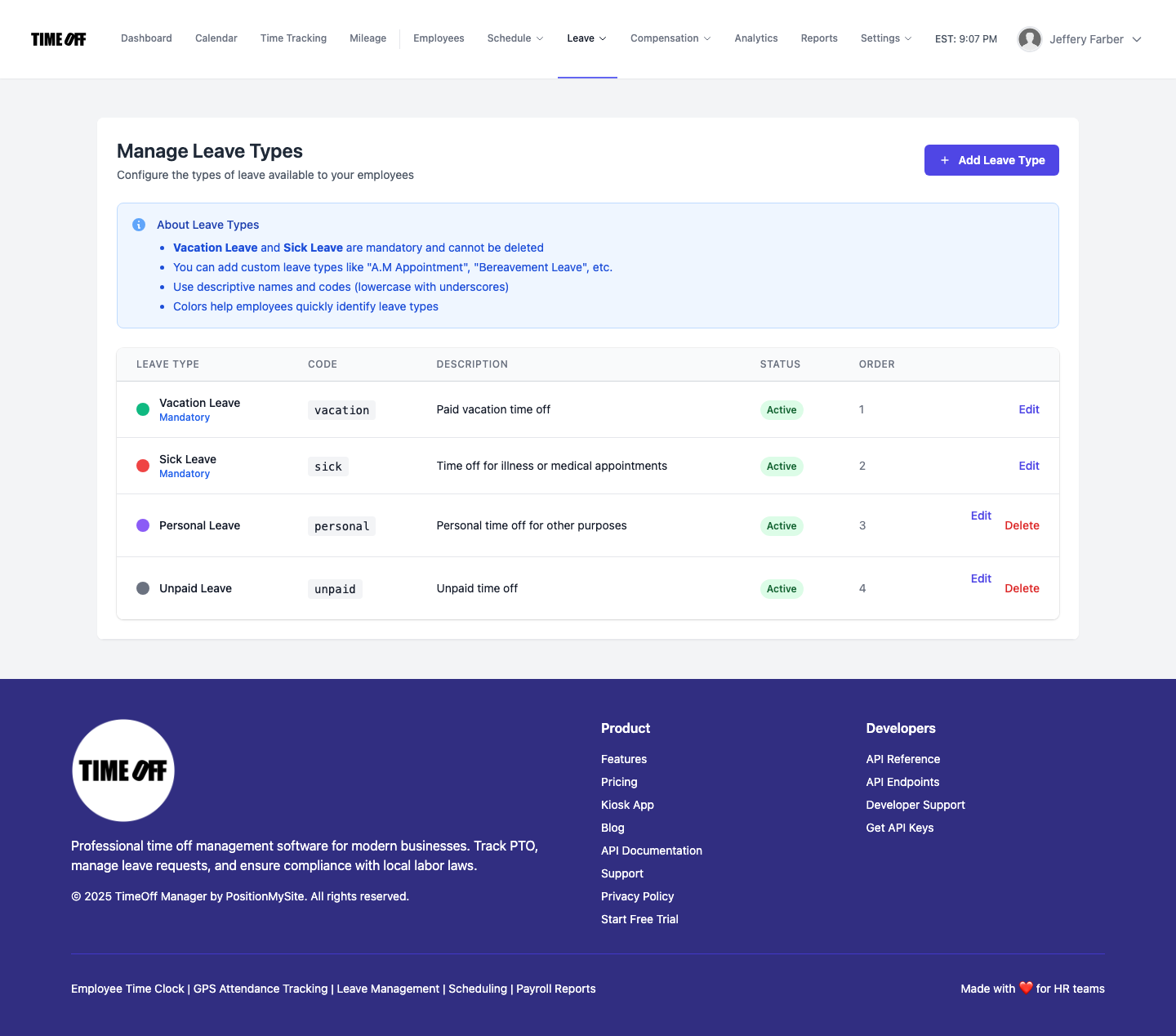
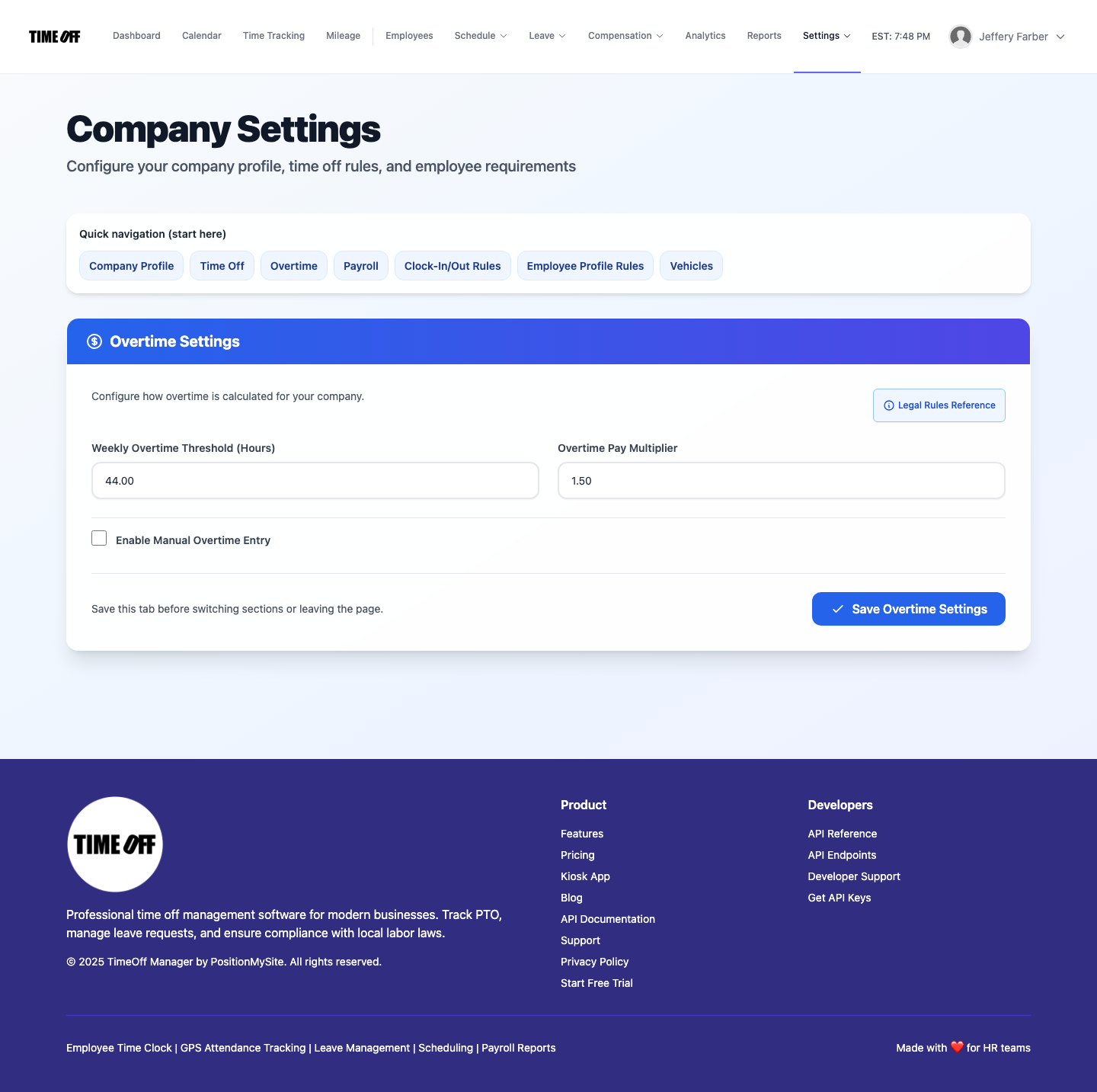
The system also lets you set company-wide company settings for work weeks and default overtime. This means that as employees accrue and use PTO, the system automatically calculates remaining balances and flags potential overtime before it hits your payroll. You can see how time off impacts total hours, giving you a clear picture of labor costs.
This integrated approach is key for SMBs. You're not just buying PTO software; you're investing in a system that understands the holistic view of an employee's time, from scheduled shifts and actual punches to approved leave and resulting overtime calculations. This prevents the common scenario where a manager approves PTO, only for the payroll department to discover the employee also hit overtime because the leave wasn't visible in the time tracking system.
Best Way to Track PTO, Sick Leave, and Overtime Automatically
The best way to track PTO, sick leave, and overtime automatically in 2026 is through a unified digital platform. This means one system where employees request time off, managers approve it, and those approved hours flow directly into time tracking and payroll calculations without manual intervention.
For employees, it starts with a simple self-service portal. They can see their accrued leave balances, request time off, and track the status of their requests. In TimeOff Manager, employees access their My Requests dashboard to manage all their leave needs. This transparency cuts down on questions to HR and empowers your team.
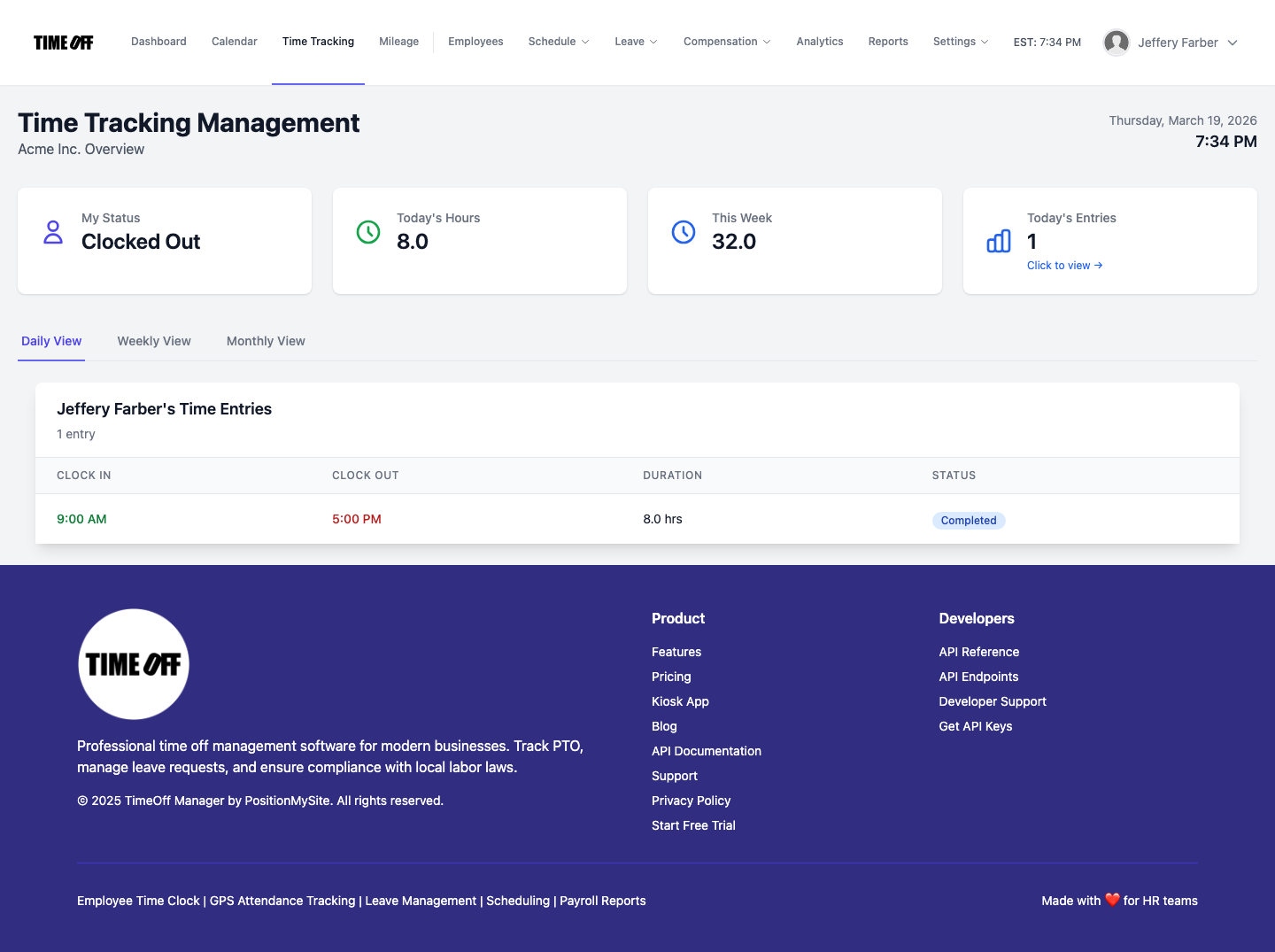
For managers, the system provides a clear overview of team availability and pending requests. When a manager reviews a PTO request, they don't just see the request itself; they can also see the employee's current schedule and team coverage. This context is crucial for making informed decisions that don't jeopardize operations. The Manage Requests (admin) view makes this process straightforward, allowing for quick approvals or denials with notes.
This integration extends to time tracking. If an employee takes a sick day, those hours are automatically logged as sick leave, not regular worked hours. If they work beyond their scheduled time but also took PTO, the system's overtime rules apply correctly, ensuring compliance with federal and state labor laws.
This automated flow significantly reduces the risk of errors that plague manual systems. No more spreadsheet reconciliation, no more last-minute adjustments. Everything is captured, tracked, and calculated in real-time.
PTO Accrual Software: Managing Time Off Policies and Accrual Tracking Using Digital Platforms
Effective PTO accrual software is at the heart of fair and compliant leave management. It allows you to set up diverse time off policies and automatically track accruals, ensuring employees always have an accurate balance. Digital platforms are essential for managing the complexity of modern leave policies.
With TimeOff Manager, you can configure accrual rules based on various factors:
- Per Pay Period: A set number of hours or days accrued each pay period.
- Annually: A lump sum of PTO awarded at the beginning of the year or on an employee's anniversary.
- Hours Worked: Accrual based on actual hours worked, common for part-time or hourly employees.
- Tenure-Based: Accrual rates that increase after an employee reaches certain milestones (e.g., more vacation after 5 years).
- Carryover Limits: Rules for how much unused PTO can be carried over to the next year, preventing infinite accumulation.
- Maximum Accrual Caps: Limits on the total amount of PTO an employee can accrue.
These rules are set once in the system, typically under Leave Types (admin), and then applied automatically to each employee. When an employee takes time off, their balance is immediately updated. This provides real-time accuracy that no manual system can match. You can also manage company holidays directly within the system, ensuring they don't impact PTO balances incorrectly.
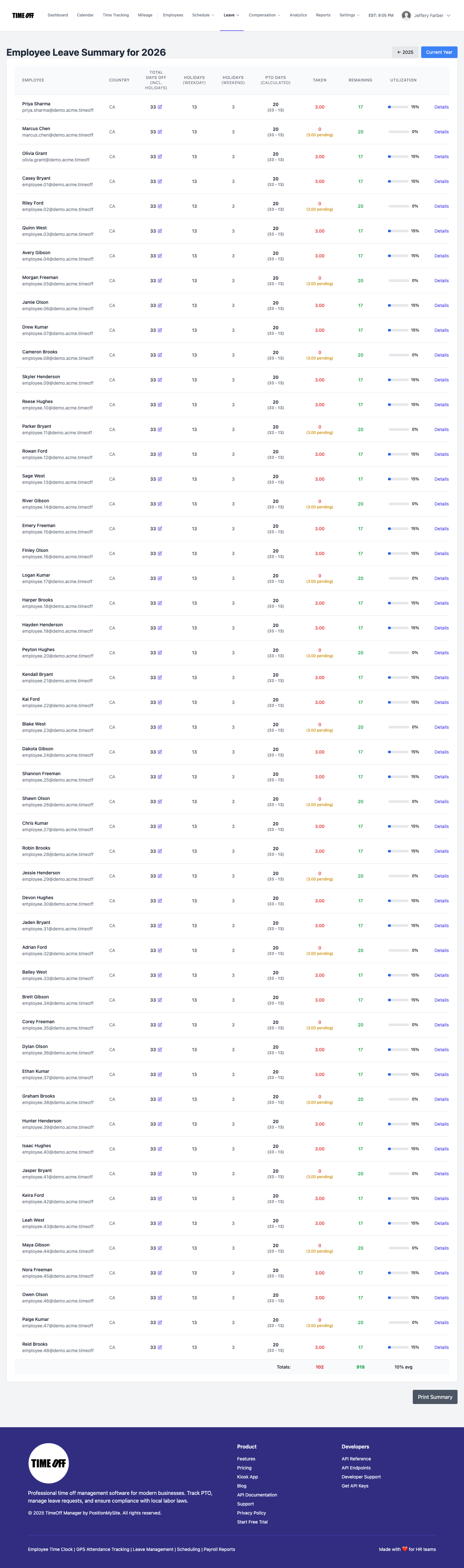
For administrators, the Employee Summary (admin) provides a comprehensive view of each employee's leave balances, history, and accrual details. This makes it easy to audit, answer employee questions, and ensure compliance without digging through records.
By automating accruals and policy management, you free up HR and operations staff from tedious calculations, reduce the potential for errors, and ensure that your company's time off policies are applied consistently and fairly across your entire workforce. This is a critical component of modern HR compliance 2026.
What Integrated Actually Means for Your Business
When I talk about "integrated," I mean more than just different features in the same software. It means a unified data flow that eliminates silos and ensures consistency across all aspects of employee time management. For you, this translates to:
- One Employee Record: All employee data—personal details, compensation, leave balances, work schedules—lives in a single profile. No duplicate entries, no conflicting information.
- One Clock Surface: Whether your employees use a PIN kiosk, web clock, or a GPS time clock, all punches feed into the same system, ready for review.
- One Weekly/Pay-Period View: Managers review actual punches alongside approved leave, overtime, and shift changes in one comprehensive grid at /timesheet before payroll is processed. This catches discrepancies before they become payroll problems.
- Reports That Match Approvals: Your analytics and exports reflect exactly what was approved and recorded, giving you accurate data for budgeting, compliance, and strategic planning.
- Real-time Schedule Adjustments: When PTO is approved, it immediately impacts the team calendar, allowing managers to see coverage gaps and adjust schedules proactively.
This integrated approach is designed to give SMBs the same level of operational control and insight that larger enterprises have, but without the complexity or cost of multiple disparate systems.
Employee vs. Manager Flows: Seamless Time Off Management
A good PTO software should make life easier for everyone, from the front-line employee to the HR manager.
Employee Workflow: Transparency and Self-Service
For your employees, it's about clear communication and easy access. They log into their dashboard and immediately see:
- Current Balances: Up-to-date PTO, sick leave, and other custom leave balances.
- Request Time Off: A straightforward process to submit new leave requests, specifying dates and leave types.
- Request Status: Track whether their request is pending, approved, or denied.
- Past Leave History: A record of all their taken time off.
This self-service model, accessible via their employee dashboard, reduces the administrative load on your HR team and managers, as employees can find most answers themselves.
Manager & HR Workflow: Control and Insight
Managers and HR leads need tools that provide control and comprehensive insight into their teams' time off. TimeOff Manager provides this through:
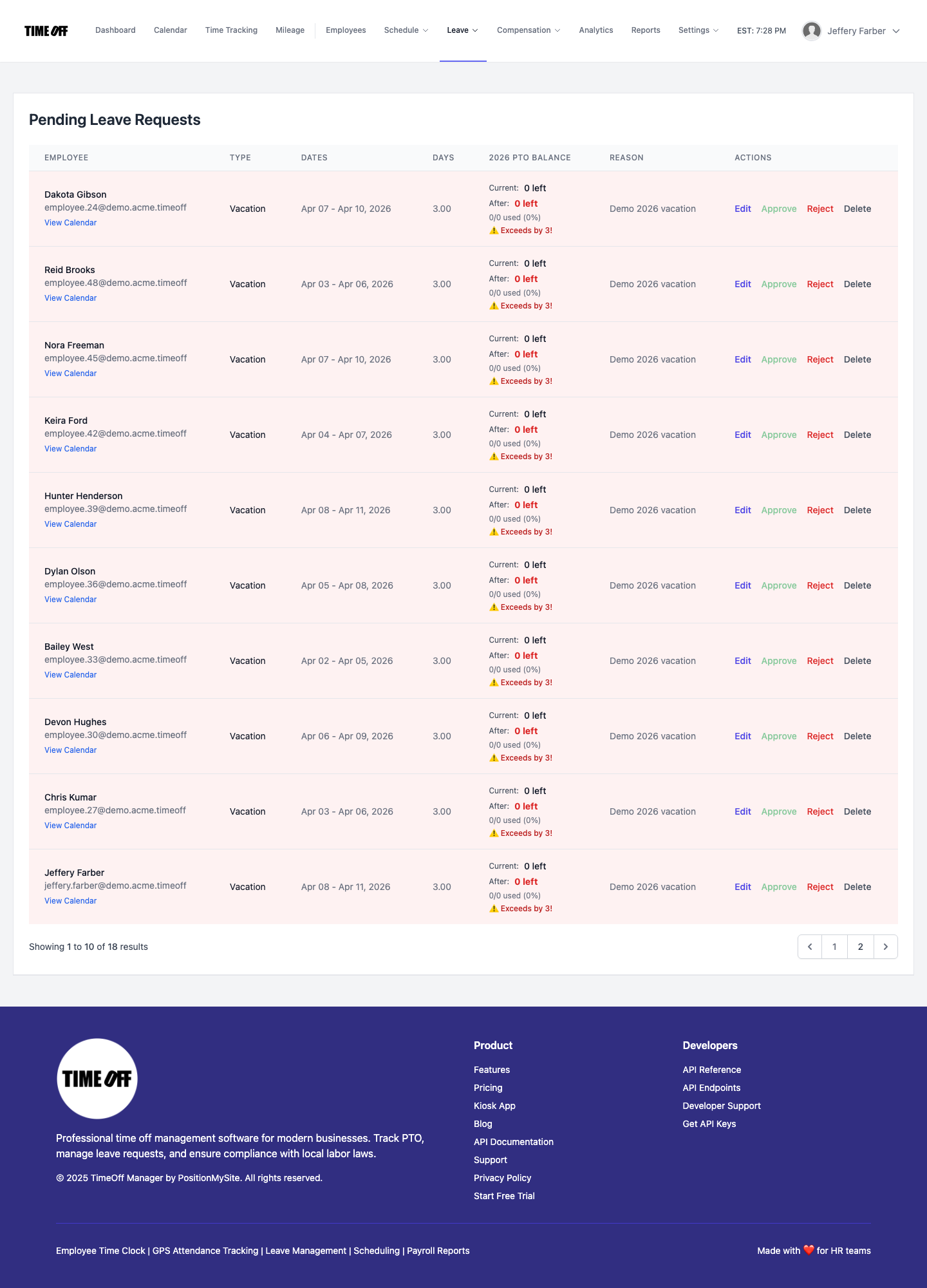
- Unified Request Management: All pending leave requests appear in one place, the /admin/requests hub.
- Contextual Approvals: When reviewing a request, managers see the employee's current schedule, team coverage, and even historical patterns, helping them make informed decisions.
- Team Calendar View: The team timeline calendar shows who is off when, helping identify potential coverage gaps before they become problems.
- Weekly Timesheet Review: Before payroll, managers review the Manager & HR hub at /timesheet. This weekly grid displays punches, approved leave, and calculated overtime side-by-side, ensuring everything aligns before final approval for payroll.
- Employee Leave Summary: HR can quickly pull up an individual employee's leave summary for detailed balance information, accrual history, and compliance checks.
This dual-sided approach ensures that both employees and management have the tools they need to manage time off efficiently and transparently.
Workflow Walkthrough: Setting Up and Managing PTO
Let's walk through how you'd set up and manage PTO in TimeOff Manager, from policies to payroll.
1. Define Your Leave Policies and Accrual Rules
First, you establish the foundation. Go to /admin/leave-types. Here, you:
- Create custom leave types like "Vacation," "Sick Leave," "Personal Day," or "Bereavement."
- For each leave type, define its accrual method (e.g., "10 days per year," "1 hour per 40 hours worked").
- Set carryover limits, maximum accrual caps, and any waiting periods for new employees.
- Configure approval workflows for each leave type – who needs to approve it.
You can also define company holidays, which are automatically marked as non-workdays and don't count against PTO balances.
2. Employee Self-Service for Requests
Once policies are set, employees take the lead. From their personal dashboard:
- They navigate to "My Leave Requests."
- They see their current balances for each leave type.
- They click "Request New Leave," select the dates, the leave type, and add any notes.
- The request is submitted to the appropriate manager for approval.
This empowers employees and ensures they have accurate information at their fingertips.
3. Manager Review and Approval
When a request comes in, the manager receives a notification. They then go to /admin/requests:
- They see a list of all pending requests.
- Clicking on a request reveals details, including the employee's current leave balances, any existing scheduled shifts, and team coverage on the requested dates.
- Based on this context, they can approve, deny, or request more information.
- Once approved, the employee's leave balance is automatically updated, and the leave is reflected on the team calendar.
This prevents common issues like approving a vacation only to find out a critical shift is now uncovered.
4. Payroll Handoff: Ensuring Accuracy
Before payroll, the system brings everything together. Managers or HR go to the Manager & HR hub at /timesheet:
- They review the weekly grid, which combines actual clock-in/out times with approved PTO and other leave.
- Overtime calculations, based on your configured overtime rules, are clearly visible.
- Any discrepancies or unapproved time can be addressed before finalization.
- Once reviewed and approved, the data is ready for export to your payroll provider, ensuring accurate paychecks every time.
5. Reporting and Analytics
Finally, to understand your workforce better and ensure compliance, you'll use the reporting tools. The Analytics dashboard and Reports & exports (admin) provide:
- Summaries of leave taken by type, department, or employee.
- Accrual and balance reports for auditing.
- Overtime summaries.
- Customizable reports for specific needs.
This complete workflow ensures that PTO, sick leave, and all other time off are managed efficiently, accurately, and in compliance with your policies and labor laws.
What to Look For in the Best Paid Time Off Tracking Software (2026)
When you're evaluating PTO software, especially for 2026, don't settle for basic tracking. Here's a buyer checklist:
- Automated Accruals & Flexible Policies: Can it handle hourly, annual, tenure-based accruals? Can you set carryover limits and custom leave types? This is non-negotiable for accurate balances.
- Employee Self-Service: Does it empower employees to check balances and request time off independently, reducing HR workload?
- Integrated Approval Workflows: Can managers approve requests with full context, seeing schedules and team coverage? Does it allow for multi-level approvals if needed?
- Real-time Balance Visibility: Do employees and managers always see up-to-date balances, not just at the end of a pay period?
- Seamless Payroll Integration: Does approved PTO flow directly into time tracking and, ultimately, your payroll exports without manual data entry?
- Overtime Visibility: Can you see how PTO and actual punches combine to affect overtime before payroll runs?
- Scheduling Integration: Does approved PTO automatically reflect on team calendars and impact employee scheduling software?
- Reporting & Analytics: Does it provide clear reports on leave usage, accruals, and compliance?
- Mobile Access: Can employees request and managers approve time off from anywhere using a mobile device?
- Scalability for SMB Growth: Is the system designed to grow with your business, supporting more employees and complex policies without breaking the bank?
- User-Friendly Interface: Is it intuitive for both employees and administrators, minimizing training time?
Ultimately, you're looking for one workflow that brings PTO, time tracking, scheduling, GPS clock-in, and mileage tracking together, not separate products that require constant reconciliation.
Compliance Considerations for PTO & Leave in 2026
Navigating leave management means staying on top of evolving labor laws. While TimeOff Manager provides the tools, it's crucial for you to understand your obligations:
- Federal Laws: Laws like the Family and Medical Leave Act (FMLA) for larger employers, or specific requirements for military leave, set minimum standards. The U.S. Department of Labor is your primary resource here.
- State & Local Mandates: Many states and cities have their own paid sick leave laws, often with specific accrual rates, usage rules, and carryover requirements. These often differ significantly from federal guidelines. For example, California, New York, and many other states have their own mandates. Consult your state's labor department website for specifics (e.g., California Department of Industrial Relations).
- Company Policies: Ensure your internal policies are clearly documented and consistently applied, especially regarding vacation accrual, payout upon termination, and disciplinary actions related to attendance.
- Record Keeping: Digital platforms like TimeOff Manager help you maintain accurate, auditable records of all leave requests, approvals, and balances, which is critical for compliance.
Remember, this isn't legal advice. Always consult with a legal professional or HR expert to ensure your specific policies and practices comply with all applicable laws.
See PTO Management in Action
Want to see how easy it is to manage PTO requests and track balances without the spreadsheet headache? Let us show you how TimeOff Manager streamlines the process.
We can walk you through a specific workflow: how an employee requests sick leave, how a manager approves it with visibility into the team schedule, and how that approved time automatically updates their balance and appears in the weekly timesheet for payroll. No more surprises.
Visit our demo page to get started with a resettable demo environment or contact us for a personalized walkthrough.
Frequently Asked Questions About PTO Tracking Software
How can I find affordable PTO management software with overtime rules?
To find affordable PTO management software with overtime rules, prioritize integrated platforms for SMBs. These solutions combine leave tracking with time and attendance, allowing you to define custom leave types and company-wide overtime rules. This ensures accurate calculations and visibility before payroll, often costing less than managing separate, disconnected systems.
What is the best way to track PTO, sick leave, and overtime automatically?
The best way to track PTO, sick leave, and overtime automatically is via a unified digital platform. This system enables employees to request time off, managers to approve with scheduling context, and automatically applies approved hours to timesheets, triggering overtime rules. This eliminates manual data entry, ensuring accurate records for payroll and compliance.
What should I look for in the best paid time off PTO tracking software 2026?
For the best paid time off PTO tracking software in 2026, prioritize automated accruals, flexible policy management, and employee self-service. Key features include integrated approval workflows with scheduling visibility, seamless payroll integration, real-time balance updates, robust reporting, and mobile access. These ensure efficiency, accuracy, and compliance for your SMB.
How does PTO accrual software handle different time off policies?
PTO accrual software handles diverse time off policies by letting you configure custom leave types, each with its own accrual method (e.g., per pay period, annually, or hours worked). You can also set carryover limits, maximum accrual caps, and eligibility requirements. This ensures your unique company policies are accurately applied and tracked for every employee automatically.
How can digital platforms help handle time off policies and accrual tracking?
Digital platforms centralize time off policies and accrual tracking, automating processes previously done manually in spreadsheets. They ensure consistent rule application, provide real-time balance updates, streamline request approvals for managers, and generate accurate data for payroll and compliance. This significantly reduces errors, saves administrative time, and increases transparency across your organization.
Why is manual PTO tracking risky for SMBs?
Manual PTO tracking, often done with spreadsheets, is risky for SMBs due to high error rates, compliance gaps, and scheduling conflicts. Typos or overlooked policy changes lead to inaccurate accruals and payroll surprises. Without real-time visibility, managers might approve leave that leaves critical shifts uncovered, incurring costly overtime and eroding employee trust.
How does PTO software integrate with scheduling and payroll?
Integrated PTO software connects directly with scheduling and payroll by updating team calendars in real-time when leave is approved, preventing coverage gaps. Approved PTO hours automatically flow into timesheets, where they combine with actual punches for accurate overtime calculations. This unified data ensures seamless payroll exports, eliminating manual reconciliation and reducing errors.