Remote Work & Modern HR Practices: A Complete SMB Guide (July 2026)
Remote work brings flexibility but also complex HR challenges. Discover how TimeOff Manager's integrated platform simplifies PTO, time tracking, scheduling, and compliance for your modern, distributed SMB.


Remote work brings flexibility but also complex HR challenges. Discover how TimeOff Manager's integrated platform simplifies PTO, time tracking, scheduling, and compliance for your modern, distributed SMB.
Remote Work & Modern HR: One System for Time Off, Time Tracking, and Payroll
Managing a remote or hybrid team brings flexibility, but also headaches. You juggle different time zones, scattered spreadsheets for PTO, and managers approving leave without seeing team coverage. Compliance is a constant worry, especially with employees in multiple states. This distracts from growth.
Remote work offers a wider talent pool and reduced overhead. But many businesses use separate tools that don't talk to each other. This leads to payroll errors, tired HR staff, and compliance worries. TimeOff Manager solves this. It's one integrated platform that simplifies PTO, time tracking, scheduling, and compliance for your distributed team. Gain control, reduce errors, and empower your managers and employees, no matter where they work.
The Problem: Overtime Math Breaks When PTO, Punches, and Rules Are Separate
Think about your current setup. An employee requests time off by email, a shared calendar, or a form. They clock in using separate software, a spreadsheet, or a text. Their manager approves leave without real-time visibility into who else is out or what the schedule looks like. This is blind approval.
This fragmentation creates problems. When PTO, actual work hours (punches), and employee schedules live in separate systems, you're always catching up. You export CSVs, merge data, and reconcile conflicting information. This manual effort wastes time and causes errors. A manager might approve PTO for a critical period because they don't see the full team calendar. An employee might work overtime that goes unnoticed until payroll, leading to unexpected costs and compliance risks.
Payroll is often the biggest pain point. Your payroll provider asks for total hours, including overtime. But how do you calculate that when an employee took a half-day of PTO, worked a split shift, and then had an unexpected project push them over 40 hours? If your leave system doesn't inform time tracking, or your time clock doesn't apply overtime rules automatically, you're doing complex math on a spreadsheet. This is inefficient and a compliance risk that can cost you dearly in penalties.
What "Integrated" Means for Modern HR
"Integrated" isn't just a buzzword. It means TimeOff Manager brings core HR and operations functions into one workflow, built for SMBs with remote or hybrid teams. Here’s how it works:
- One Employee Record: All employee information—contact details, pay, leave balances, work locations, and schedule—lives in one place. No more updating multiple systems when roles change or PTO accrues.
- One Clock Surface: Employees clock in via web browser, mobile app with GPS time clock, or a shared PIN kiosk at /clockin. All punches feed into the same system, ensuring accurate time tracking.
- One Weekly/Pay-Period View: Managers and HR see a full view of team activities. The Manager & HR hub at
/timesheetshows punches, approved PTO, holidays, and scheduled shifts on one grid. This context is vital for remote team oversight. - Reports That Match: Reports are consistent because all data comes from one source. Your analytics and exports accurately reflect approved leave, actual hours, and applied overtime. Payroll reconciliation is straightforward.
- Centralized Leave Balances: Employees see their available PTO, sick leave, or custom leave types instantly. Balances update automatically when a request is approved. Manage custom leave types easily.
- Consistent Scheduling: Build shift templates and manage schedules that consider availability, leave, and compliance rules. This ensures coverage for remote teams across time zones.
Employee vs. Manager: Tailored Views for Your Team
In a remote environment, clear communication and self-service are key. TimeOff Manager provides intuitive interfaces for both your employees and your management team.
For Your Remote Employees: Self-Service and Transparency
Your employees need to easily manage their time and leave. When they log in, they see their dashboard at /dashboard. This shows upcoming shifts, approved leave, and pending requests. It’s simple:
- Submit new leave requests. The system shows available balances, so they're never guessing.
- Their employee timesheet at /timesheet/employee shows recorded hours, including overtime. This clarity builds trust.
- If you reimburse for travel, employees use the optional mileage module to submit trips directly. This is common for remote workers traveling for meetings.
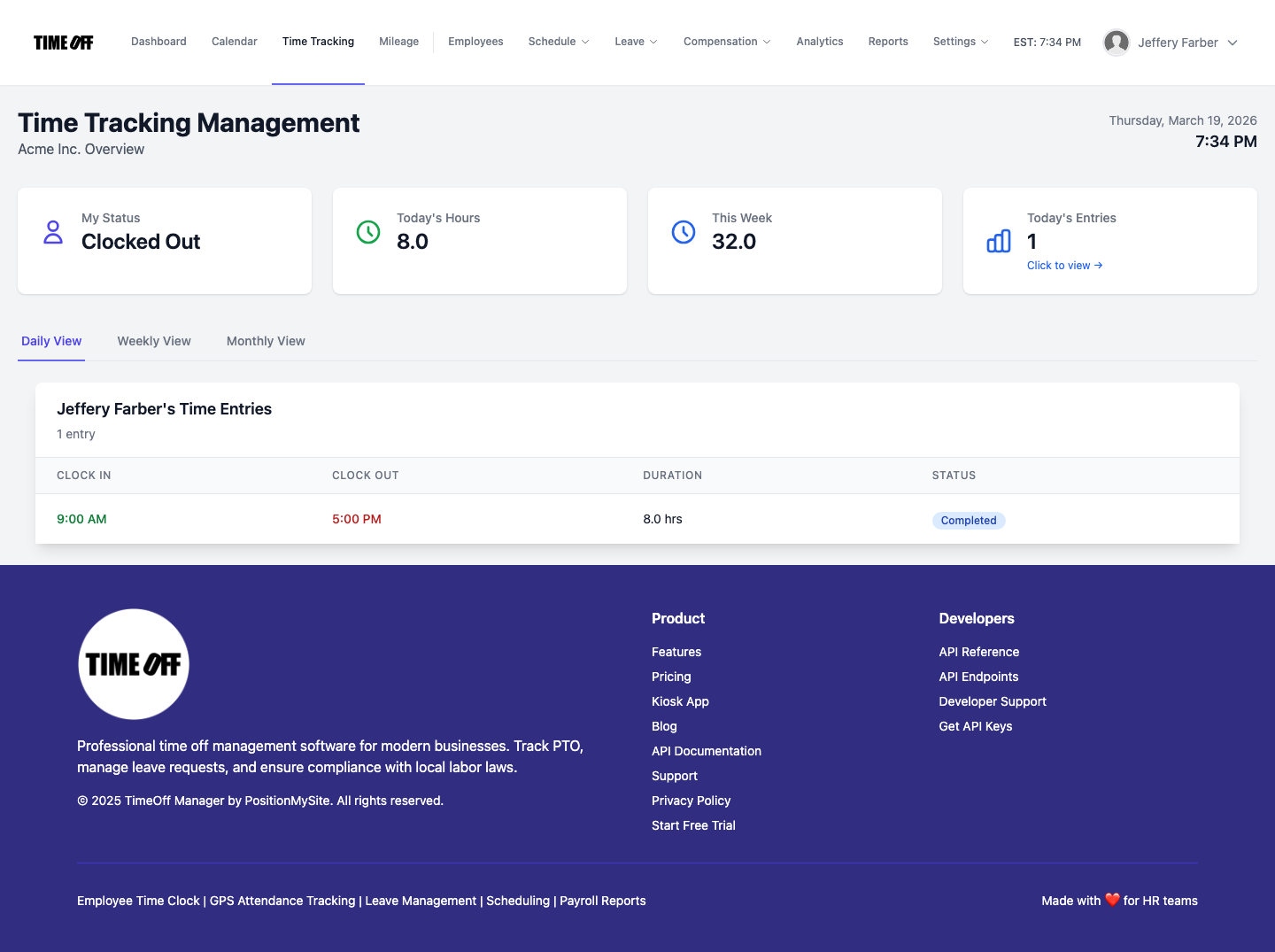
For Your Managers & HR: Oversight and Proactive Management
Managers and HR need a clear view of their distributed teams. TimeOff Manager centralizes this information for quick, informed decisions:
- The Manager & HR hub at /timesheet is your command center. Review daily rosters, weekly grids, or