Accountant access (invite)
At /admin/accountant-access: invite accountants by email (14-day token), list pending/accepted/expired invitations, cancel pending invites or remove access for accepted users—read-only reports/timesheets scope per product rules.
/admin/accountant-access
Roles
Company admin · Super admin · HR manager
Accountant Access at /admin/accountant-access lets company administrators, super administrators, and HR managers invite an external accountant to sign in with read-focused access to reports and timesheets (your tenant’s exact permissions apply). You send an email invitation; the recipient accepts, sets a password, and appears in the access list when active.
Overview
The screen has two parts: an Invite Accountant form (name + email, Send Invitation) and an Invitations & Access table listing each invite with status (Pending, Accepted, Expired, or Revoked), expiry date, and actions. A link at the bottom returns to /admin/reports.
Who can access
Only company admin, super admin, and HR manager roles can open this URL; others receive 403. Invited accountants use their own login after accepting the emailed link—they do not use this invitation management page.
Invite flow
- Enter first name, last name, and email (unique per company for pending invites).
- Send Invitation — the system emails a link (typically valid about 14 days).
- Recipient opens the link, completes signup, and gains accountant-level access.
- Duplicates — pending invite to the same email or an existing accountant for the company is blocked with a validation message.
Invitations & access
- Pending — Cancel deletes the outstanding invitation.
- Accepted — Remove access deactivates the user’s login (shown as Revoked when applicable).
- Expired — invite was not accepted in time; send a new invite if needed.
Related
Reports & exports — payroll hours and downloads accountants use · Timesheet: Manager & HR hub.
Product screenshot
Automated capture: full page after login as company admin (or HR manager).
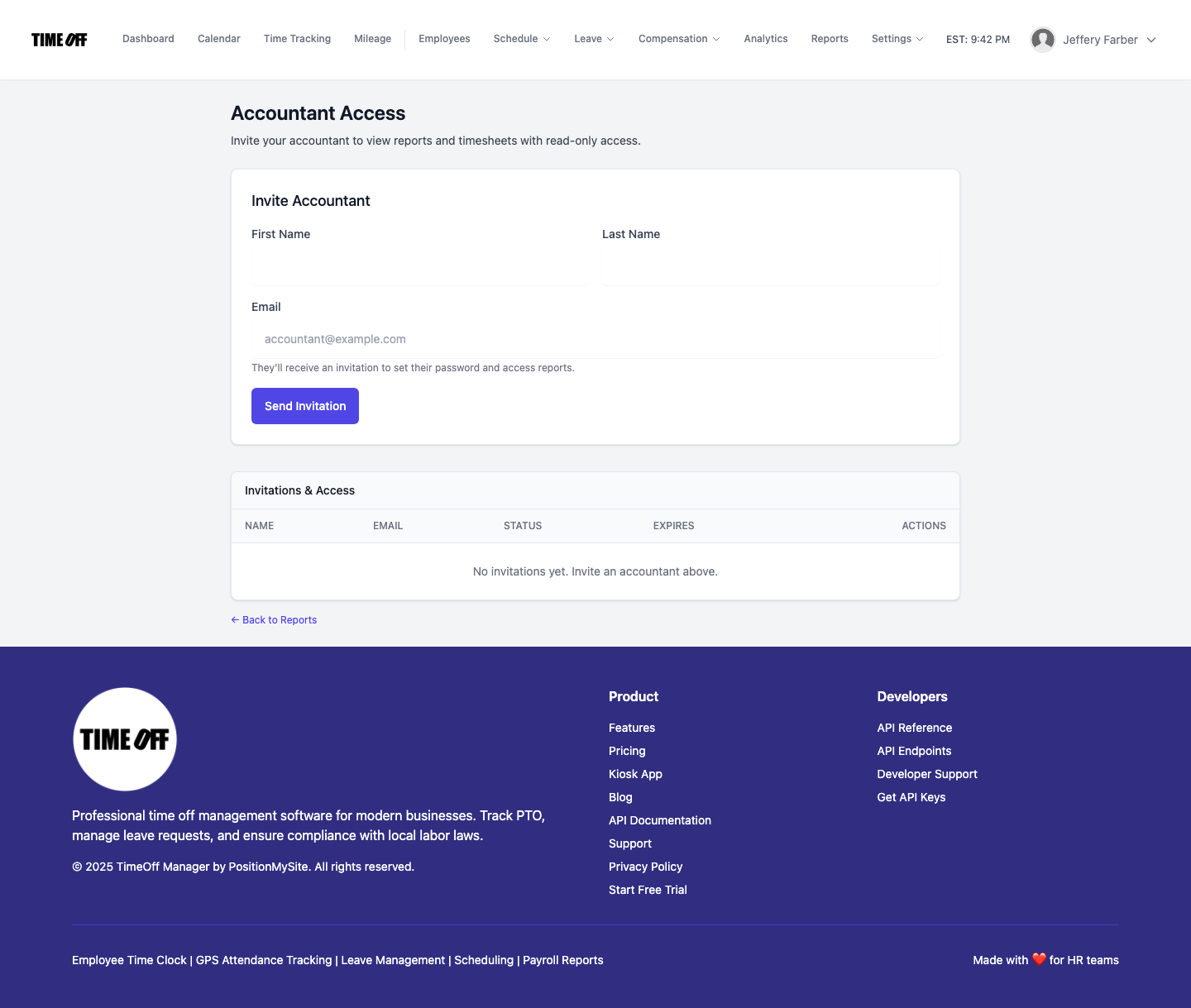
Accountant access — /admin/accountant-access