Timesheet: Employee view
Personal time tracking hub: clock status, hours today and this week, and your recent time entries.
/timesheet/employee
Roles
Employee · Company admin (can open employee view) · Super admin
The employee timesheet at /timesheet/employee is the day-to-day view for clock status, hours today and this week, and today’s time entries (when your company has time tracking enabled).
Purpose
Use this screen to clock in or out (if allowed on web), see how your day and week compare to expectations, and review or expand individual punches. Most employees land here from Time Tracking in the nav or a dashboard shortcut.
What’s on the page
- Header — Time Tracking Management label plus company context and current date/time in the company timezone.
- Stat cards — Typical tiles: clocked in/out, today’s hours, week total, and entry count.
- Time entries — List or details for today and recent days, including adjustments your policy allows.
Team-wide and payroll views use different routes; this article focuses on the personal employee experience.
Who can open it
Built for employees. Company admins and super admins can also open /timesheet/employee to preview the same UI (useful for support and screenshots).
Product screenshot
Automated capture: full page after login (demo admin opening employee view).
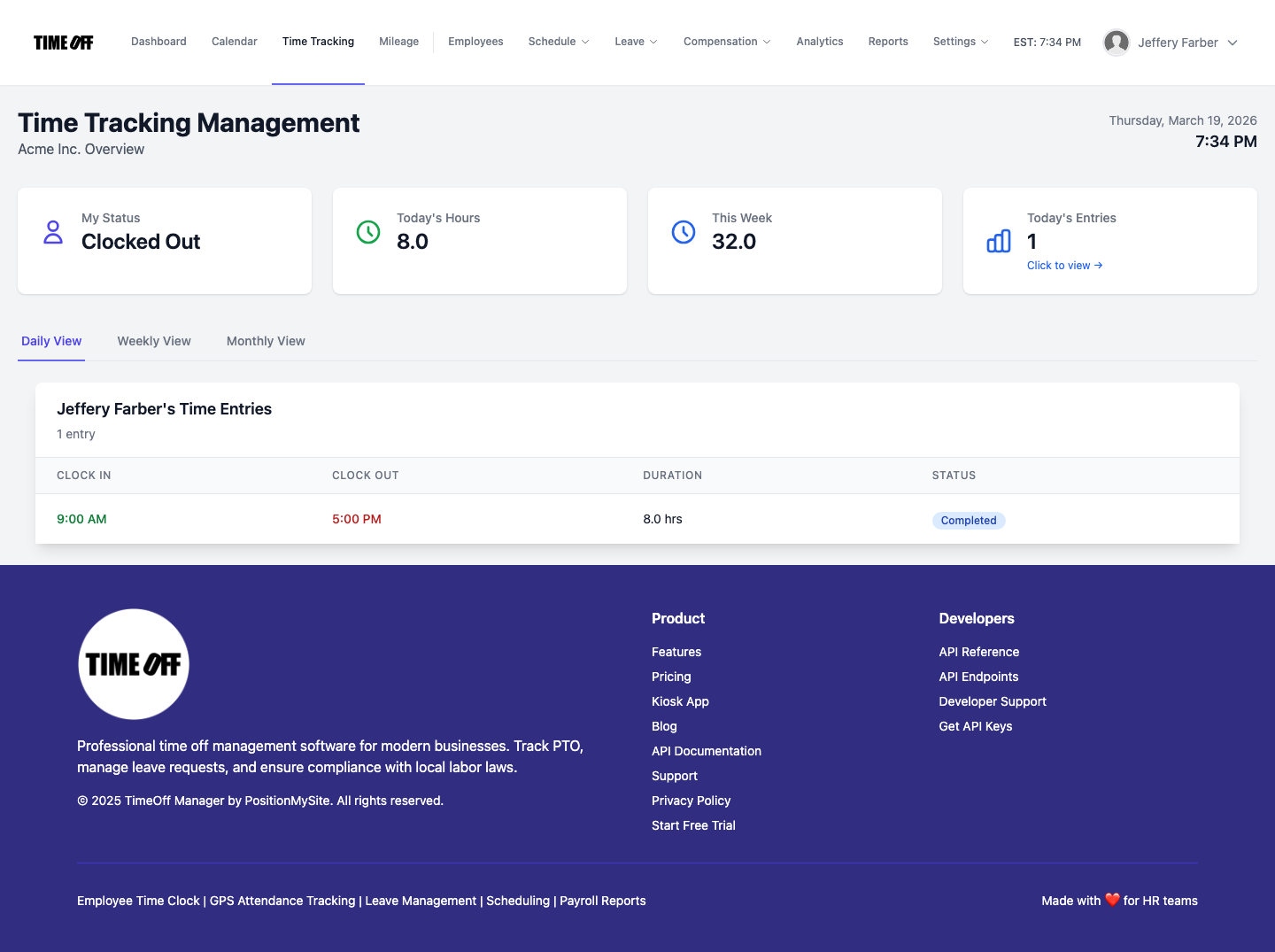
Time tracking — employee view (Acme demo).